
Cookidoo: The TM7's Recipe Platform
Cookidoo is what turns the TM7 from a powerful appliance into a guided, step-by-step cooking system. Here's what it actually does, what it costs, and whether you need it.
What Is Cookidoo?
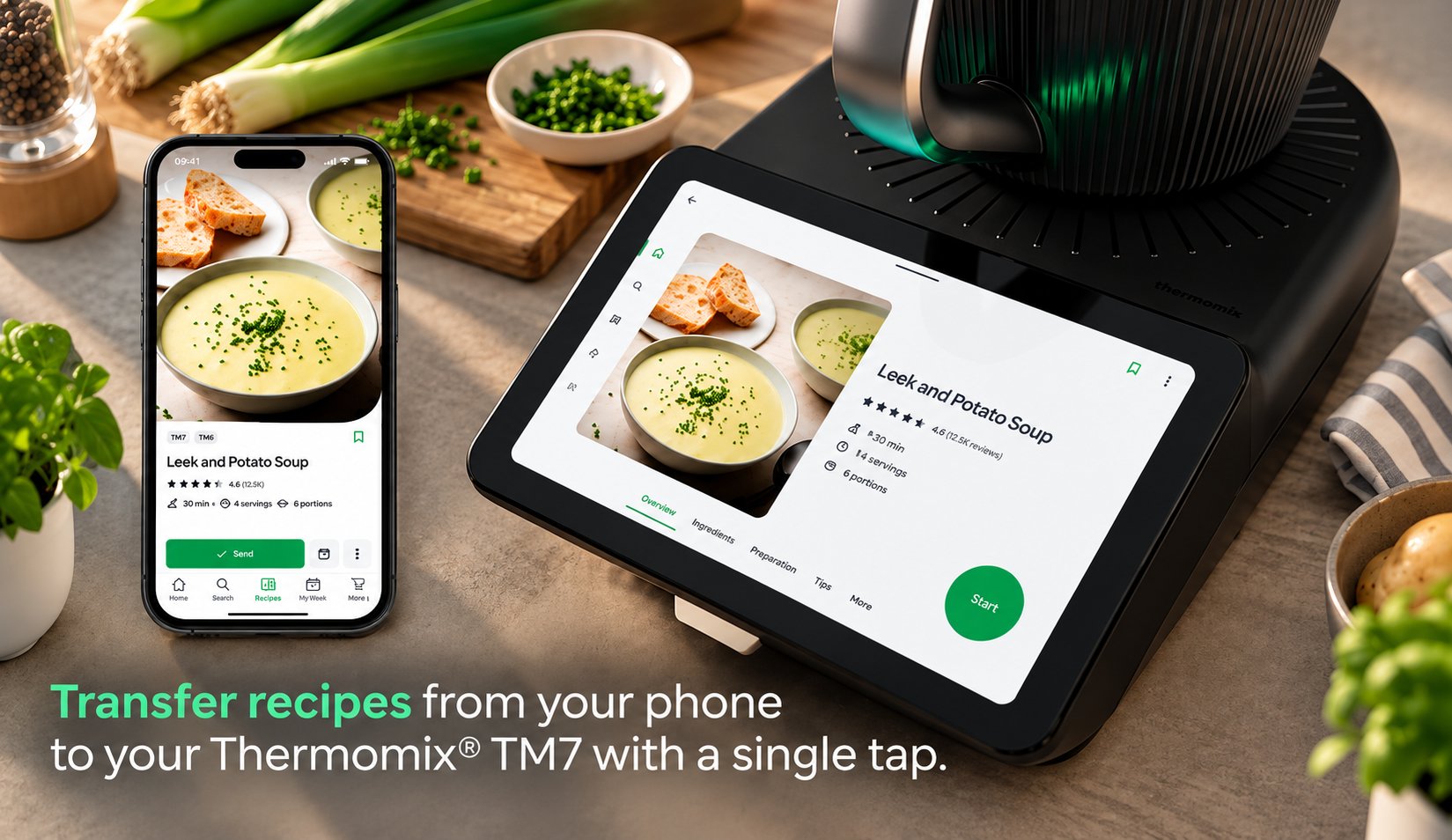
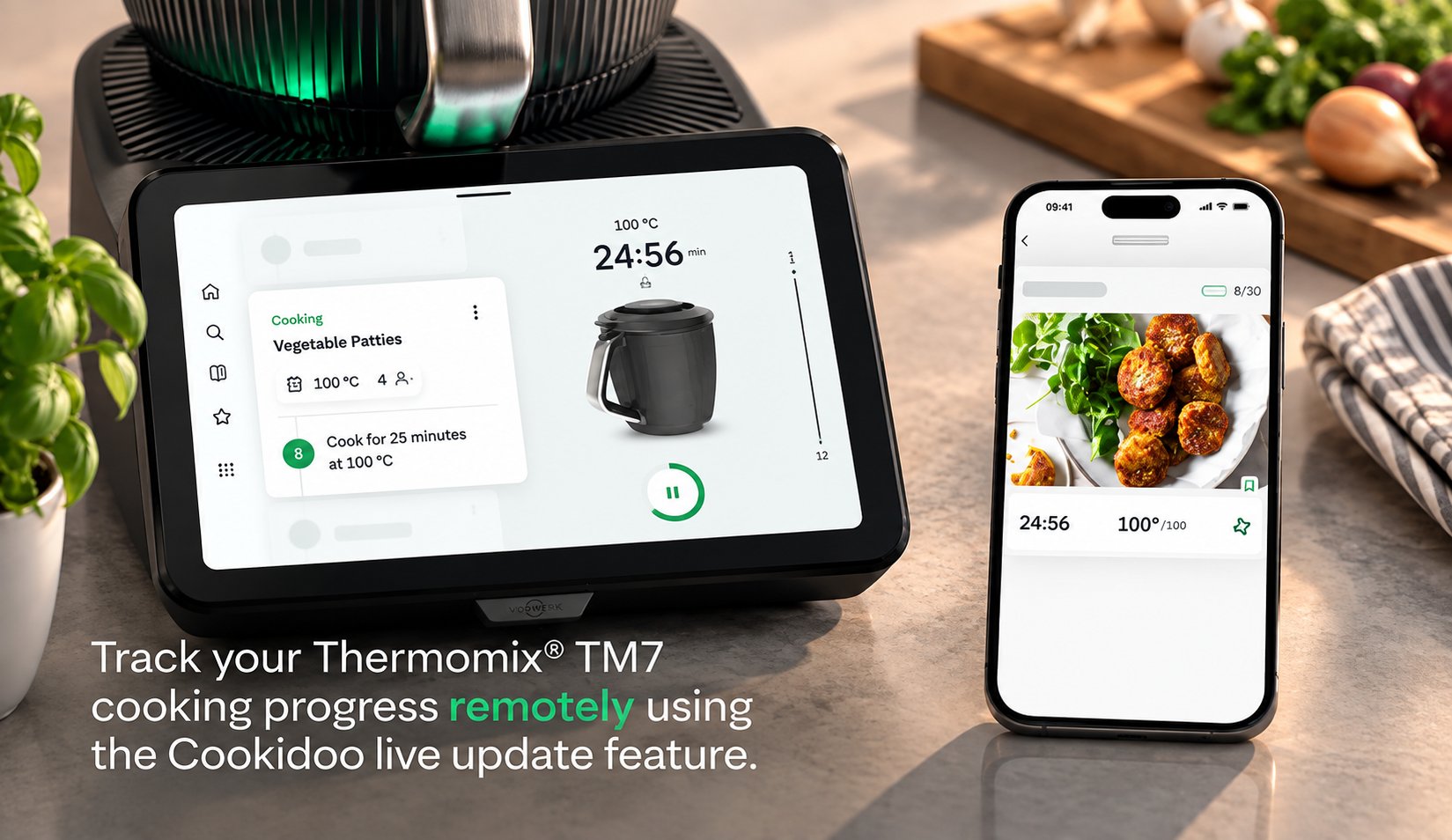
Cookidoo is Vorwerk's official recipe platform — think of it as the TM7's operating system for recipes. Rather than reading a recipe and guessing at heat and timing yourself, you pull a recipe up on Cookidoo and the TM7 receives the instructions directly: it sets its own time, temperature, and speed for every single step, and tells you exactly what to add and when.
It's not limited to the TM7's touchscreen, either — Cookidoo runs as a website and a mobile app, so you can browse and plan recipes from your phone on the bus, then send them to the machine once you're home.
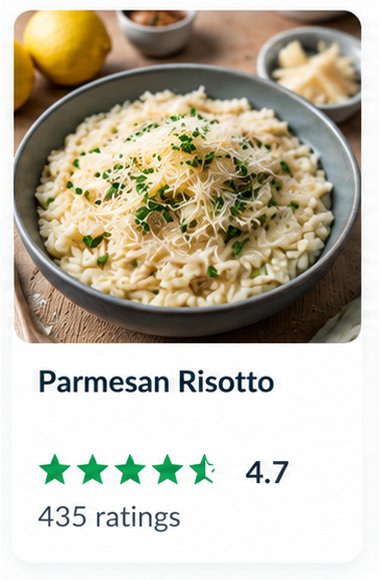
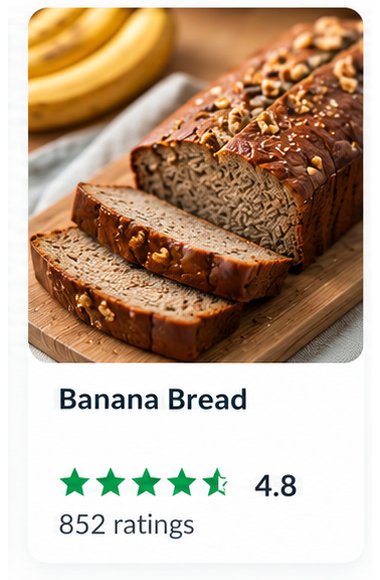
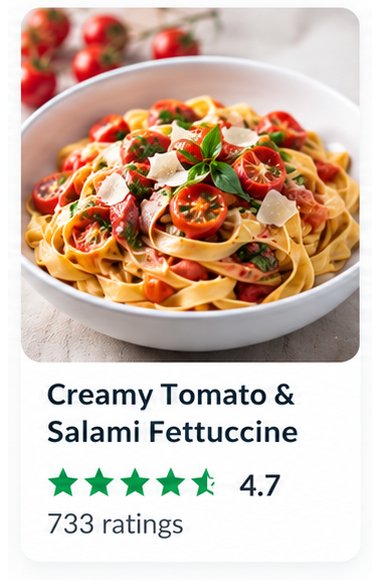
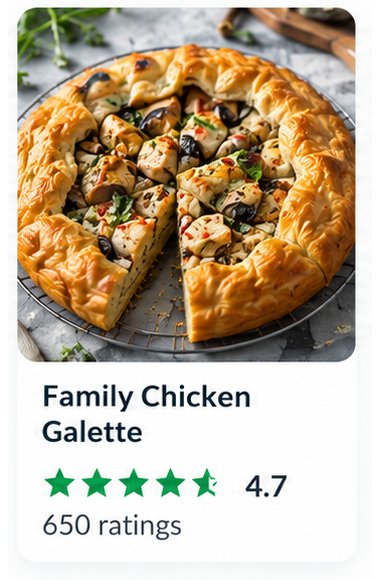
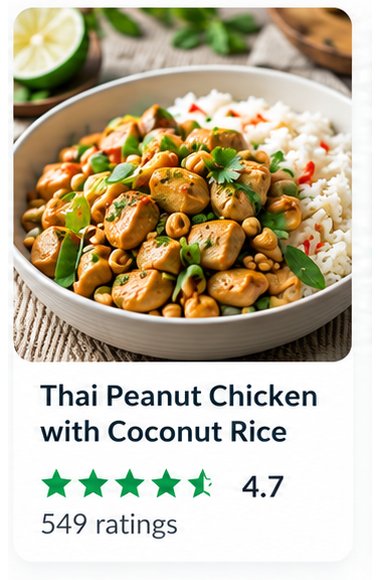
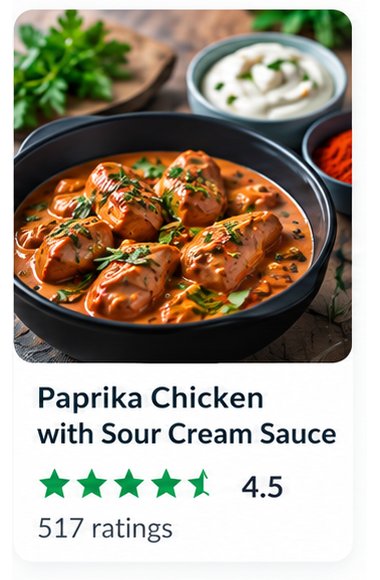
Just a Taste of What You Can Cook
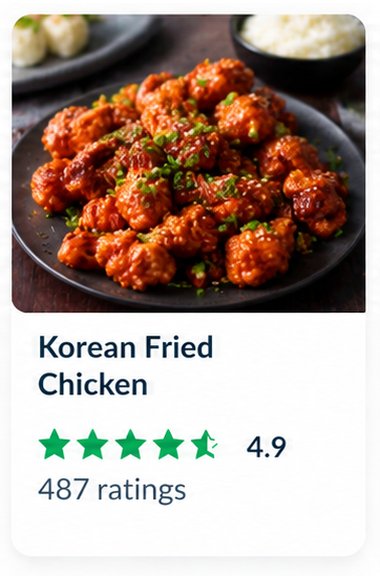
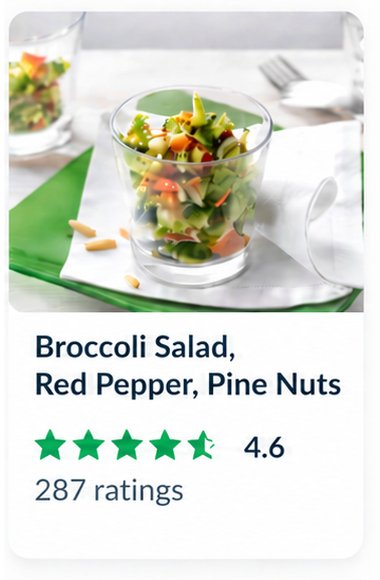
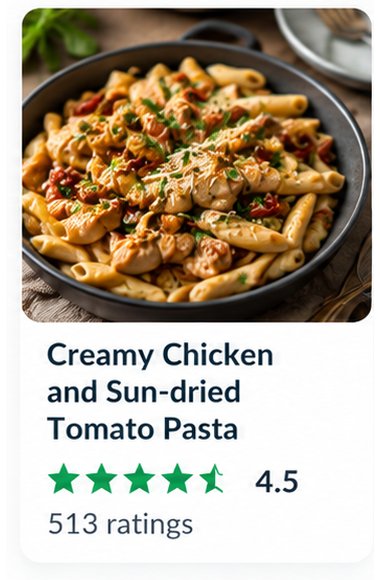
A few of the 100,000+ Cookidoo recipes waiting on your TM7.









What You Get With a Membership
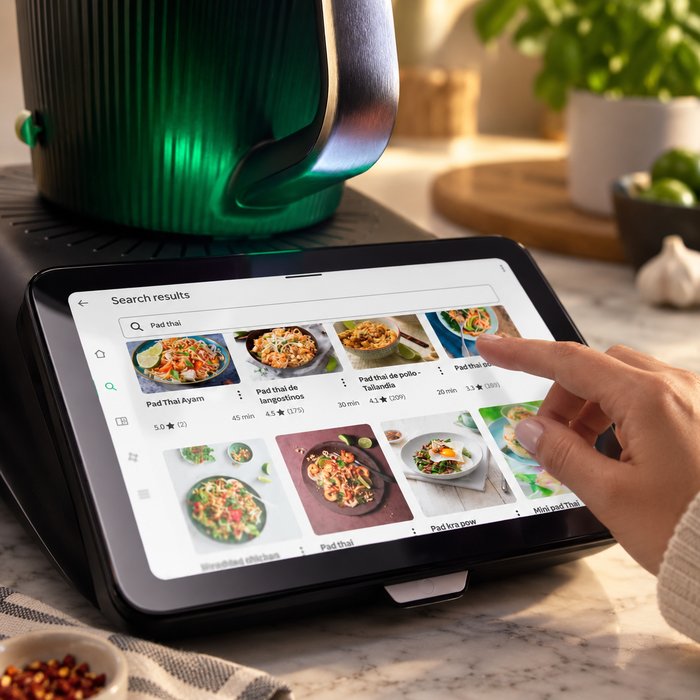
100,000+ Recipes
A searchable library of tested recipes from Vorwerk and the global Thermomix community, filterable by ingredient, cuisine, diet, or occasion.
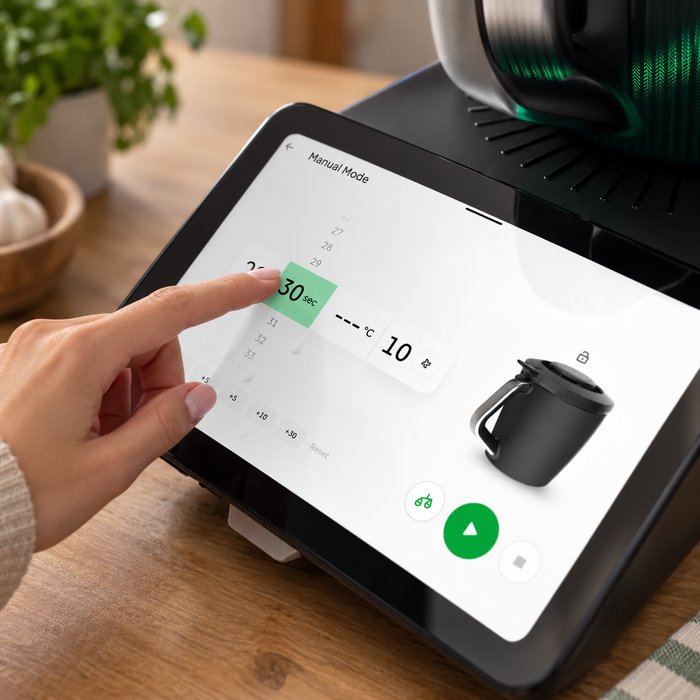
Guided Cooking Sync
Send any recipe straight to your TM7's touchscreen — it walks you through each step and sets its own time, temperature, and speed automatically.
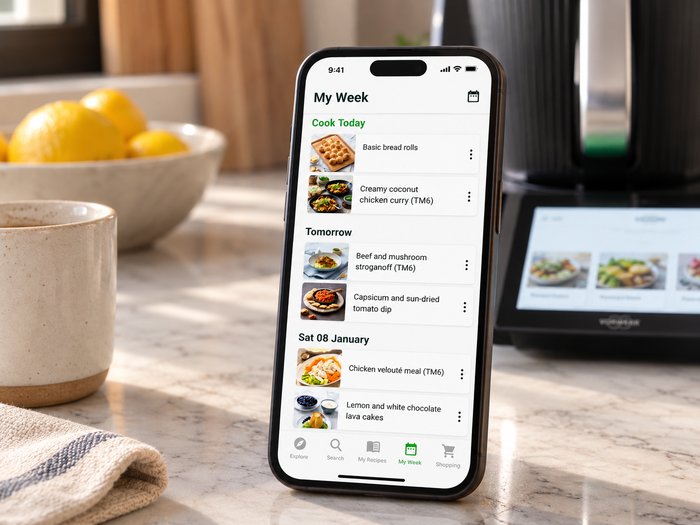
Weekly Meal Planner
Drag recipes onto a calendar to plan the week, and Cookidoo keeps track of what you've picked so nothing gets cooked twice by accident.
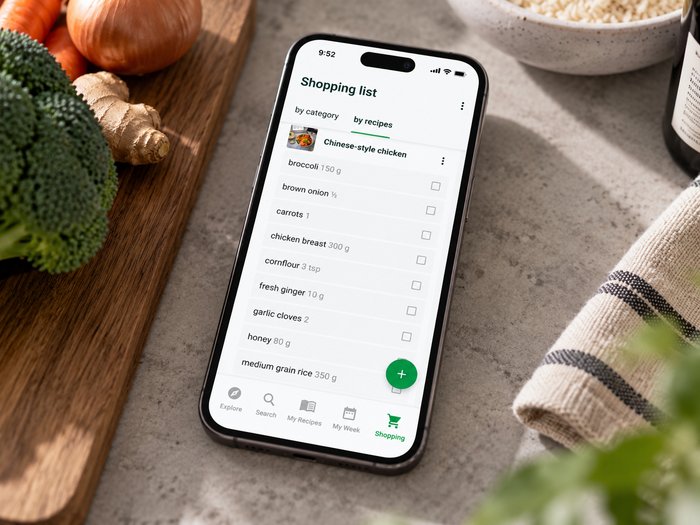
Automatic Shopping Lists
Once your week is planned, Cookidoo combines every ingredient across all your recipes into a single shopping list on your phone.
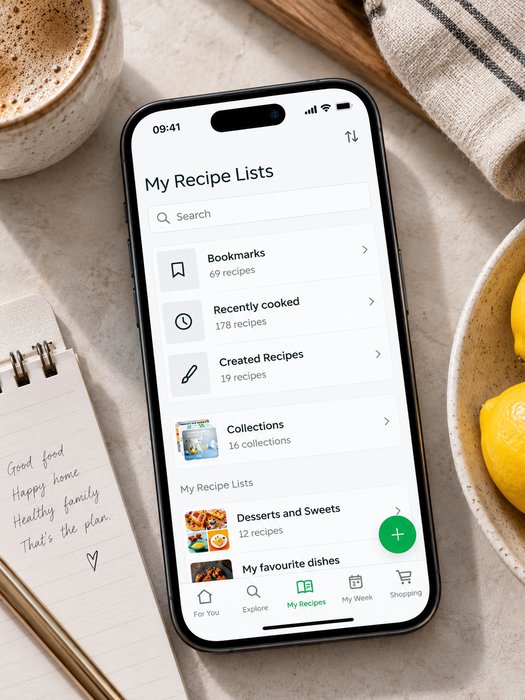
Save & Customize Recipes
Bookmark favourites, adjust serving sizes, tweak ingredients, and build your own recipe collection over time.
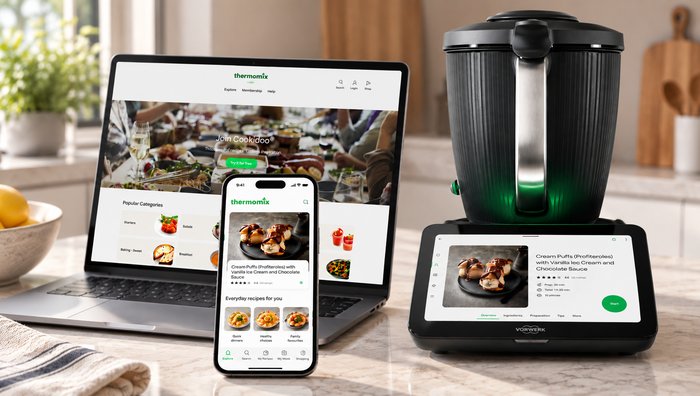
Works Across Devices
Available on the TM7 screen, the Cookidoo website, and the mobile app for iOS and Android — your recipe library follows you, not just the machine. You can connect up to five devices to a single Cookidoo account with one membership, enough for the whole family to plan and cook from their own phone.
Cookidoo Pricing in Canada
| New TM7 purchase | Free 3-month trial included |
|---|---|
| Standalone free trial | 30 days, for anyone signing up at Cookidoo.ca without a new TM7 |
| Annual membership | $89 CAD/year — billed annually, no monthly plan offered |
| Language | Available in English and French |
| Access | TM7 touchscreen, Cookidoo.ca (web), and the Cookidoo mobile app |
| Devices per membership | Connect up to 5 devices to a single account |
Do You Actually Need a Subscription?
No — a Cookidoo membership isn't mandatory to use the TM7. Without one, you can still cook manually (setting time, temperature, and speed yourself) and use whatever recipes ship pre-loaded on the machine. But Cookidoo is what actually speeds up the whole process — the automatic guided steps, meal planner, and shopping lists save real time versus cooking manually — and at $89 CAD/year, it's worth it for the 100,000+ recipe library alone.
You can also browse Cookidoo's recipe library from a web browser or the app without owning a TM7 at all — you just won't be able to send a recipe to a machine to run it, since Guided Cooking only works once Cookidoo is paired with a Thermomix.
Ready to Put Cookidoo to Work?
Every new TM7 includes a free 3-month Cookidoo trial, plus free shipping across Canada, backed by Vorwerk's 2-year warranty.
Get Free Shipping on the TM7